How to Secure Your Web Browser
Which Browser and what configuration is optimal
2025-12-31 by Steve Forkin
So many browsers, which one to chose?
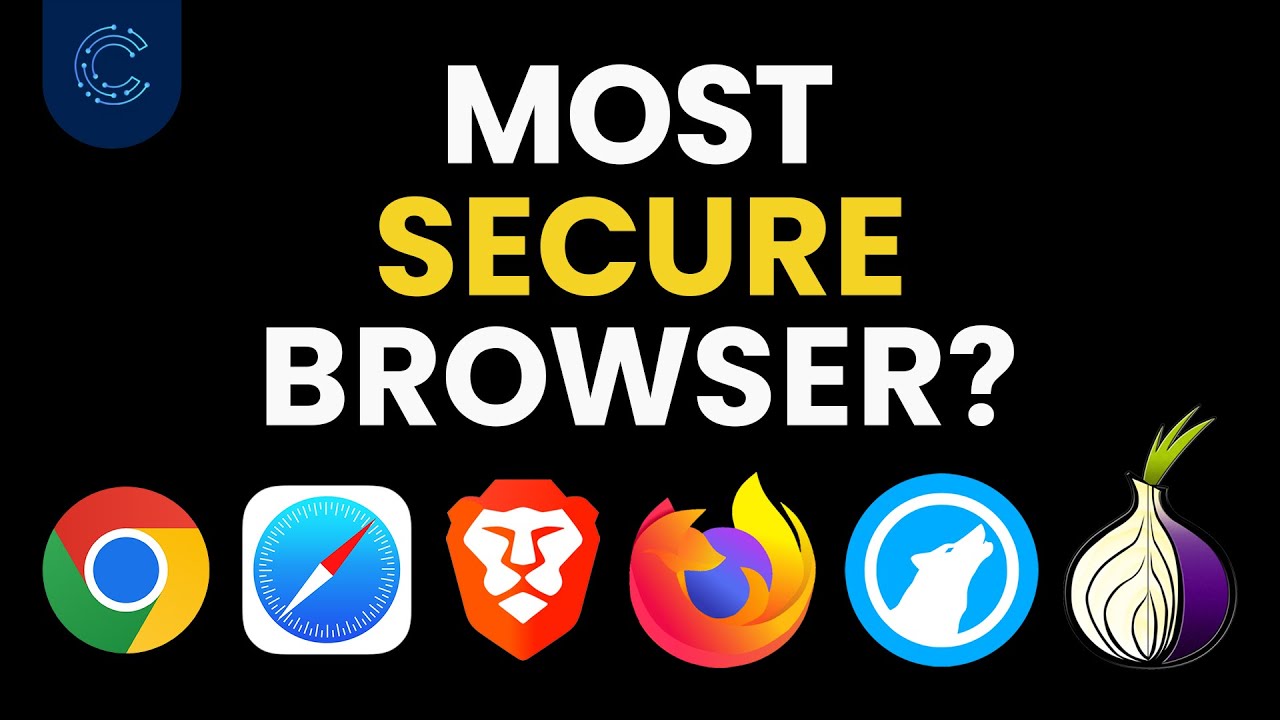
The list of Web browsers is too long for me to give you a recommendation for each of them. I intentionally avoid software from Big Tech conglomerates like Microsoft, Google and Apple wherever I can. These companies want your data and unashameadly harvest it from you when you use their software. Web browsers like Chrome, Edge and Safari are pretty much homing devices for Big Tech.
The Mozilla Foundation – the creators of Firefox – open sources all of their software, which means it get’s independent review from programmers and hackers alike.
For this reason alone it’s worth chosing Firefox. Interesting fact: More than 50% of Cybercriminals – those guys who seek to subvert your privacy for nefarious purposes – use Firefox. The bad guys often know more..
Here is a list of three browser extentions I would use in Firefox (available also in Chrome if you use that browser & don’t want to switch)
-
Privacy Badger Privacy Badger automatically learns to block hidden trackers. Privacy Badger is made by the leading digital rights nonprofit EFF to stop companies from spying on you.
-
https://addons.mozilla.org/en-US/firefox/addon/privacy-badger17/
-
Ublock Origin It’s wide spectrum content (bad content such as ads) blocker that is light on your CPU and will therefore not end up being a resource hogger. The best place to block bad traffic is on your network firewall. I will write more articles on how to do this in the near future. Failing that, the next best place is this little browser extension
-
https://addons.mozilla.org/en-US/firefox/addon/ublock-origin/
-
NO Script This extension basically blocks all javascript before it is run. You need to go through a learning exercise in what to allow and what to forbid. Given that this is a little more complicated, I will make this the content of my next post. Hold off from installing that until then, if you are unsure what javascript actually does and why you need to be careful not to allow some of it.
NB: Apart from these extensions, I would recommend avoiding browser extensions like the plague. They are frequently the source of viruses and malware. This is especially important if you are using Windows!
Two important sites to follow to get really important security information and updates: